


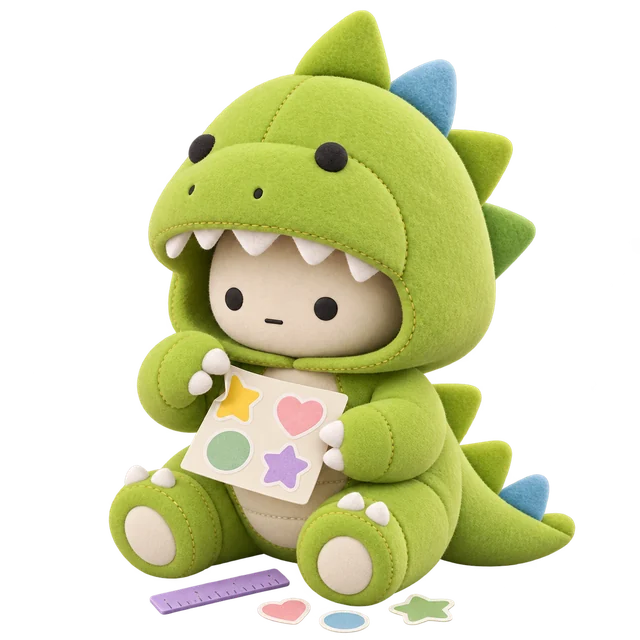
From name tags to thank-you stickers
Choose a shape and Nori, then add your message. A small Nori appears beside your personal photo. Long text shrinks to fit, and photos keep their proportions without cropping.
Arrange your stickers on paper
“Arrange on print paper” sends your design to the layout helper. Choose sticker size and quantity, then print at actual size or save as PDF. If the transfer fails, save a PNG and select it in the layout helper.
Where are photos and text stored?
Photos aren't uploaded. Your studio work disappears on refresh. Only when you choose layout is one finished image placed in this tab's temporary storage; it is removed after the layout helper reads it.