


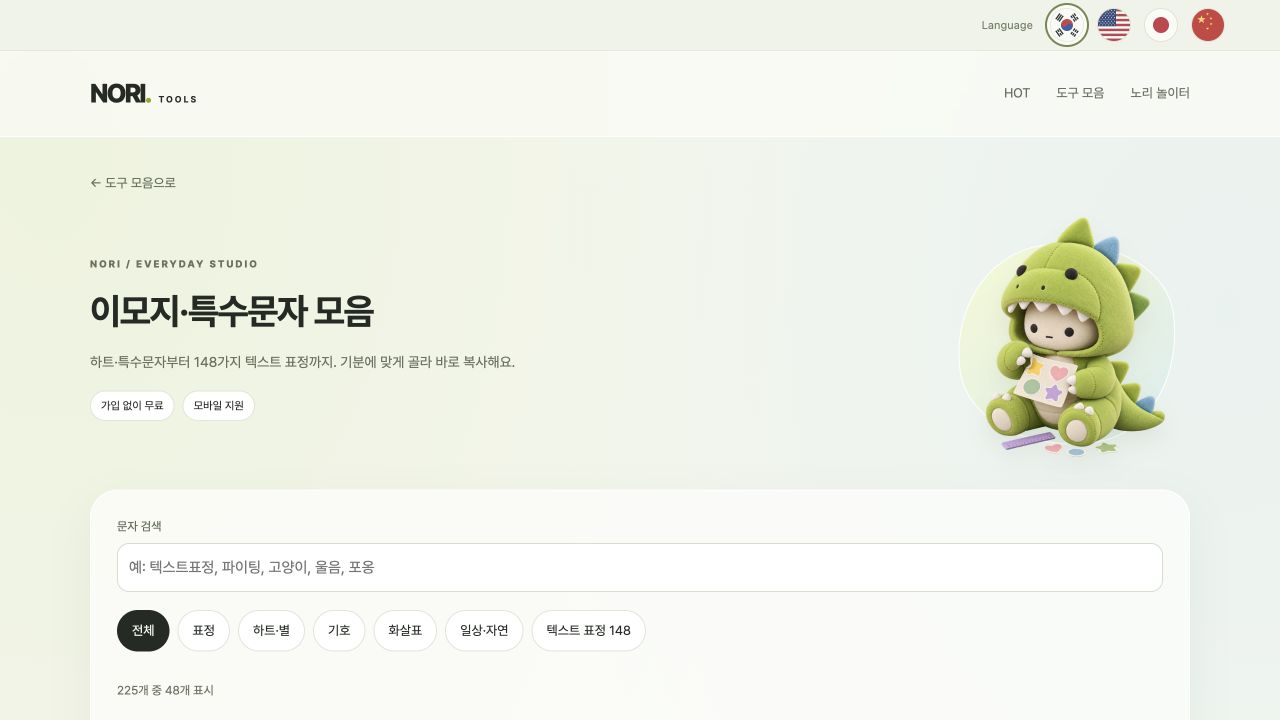
Looking for hearts for your profile, check marks for a document or text faces for a message? Tap to copy with Nori’s emoji and symbols tool, or collect several characters together. It is free and needs no account.
Which characters are available?
♡ ♥ ☆ ★
Profiles, titles and light emphasis→ ↔ ✓ ✔
Directions, notes and checklists(๑˃ᴗ˂)و
Text faces that express a moodEmoji are picture-like characters. Text faces combine letters and symbols into expressions. Choose the style that suits the place you are posting.
1. Search or browse categories
Search for a type or mood, such as heart, star or smile. There are 148 text faces; use Show more to browse additional choices.
2. Tap a character to copy it
Tap a character to copy it and add it to My collection. Paste it into a message or profile editor. Use Ctrl+V on most PCs, Command+V on a Mac, or long-press an input field on a phone.
3. Collect several characters and copy them together
Choose hearts and text faces, then use Copy collection to copy them together. Clear collection removes the current selection. These characters are not stored permanently, so paste them somewhere to keep them.
The pasted character looks different
Emoji appearance varies by device, operating system and app. Unsupported fonts may show empty boxes. For important instructions, add words alongside symbols so the meaning stays clear.
Can I use these in Instagram profiles or messaging apps?
You can paste into profiles, notes and posts that accept text, but supported characters and length limits vary by service. Check the saved result. To count characters, use Character Counter as well.
If the copy button does not work
Some browsers restrict clipboard access. Select the text directly in My collection and copy it manually. If an in-app browser keeps failing, reopen the page in a regular browser.